
How to Fix the Kick Up Glitch in EA Sports FC 27: Ball Lob and First Touch Passing Solution
A complete step by step walkthrough to resolve the frustrating ball lob bug and restore responsive first touch passing across all platforms.

Table of Contents
Few gameplay problems ruin competitive football matches faster than unresponsive passing. In EA Sports FC 27, thousands of players have encountered an issue known as the kick up glitch or the ball lob bug. Whenever you attempt a standard ground pass or collect the ball, your player inexplicably flicks the ball into the air on their first touch. This destroys passing momentum, leaves your midfield exposed, and gives possession straight to your opponent.
Fortunately, content creator NealGuides has identified a reliable method to resolve this controller conflict permanently. Whether you play on PlayStation 5, Xbox Series X, or PC, here is the complete breakdown to restore proper first touch responsiveness.
Watch the Glitch Fix Video Walkthrough
Why the Ball Lob Glitch Happens
The issue originates from corrupted profile data held in local console or PC storage or sometimes the game just bugs out. When custom button layouts conflict with default gameplay mechanics, the software misinterprets standard ground pass commands or initial ball traps as skill flick inputs.
. You must perform a clean controller reset, save over your configuration files, and restart the platform to clear the corrupted cache completely.

Step by Step Solution to Fix the Passing Glitch
Follow these instructions in exact sequence to resolve the issue:
Restore Game Defaults
Launch EA Sports FC 27 and navigate to your main settings menu. Select the option to restore all settings to default. This wipes temporary configuration errors across your files.
Set Preset to Classic
Open the Preferences menu. If your current profile uses Custom A, Custom B, or any modified layout, change your configuration preset to Classic.
Overwrite Existing Controller Settings
Exit the configuration screen. When asked to save your changes, save the Classic profile directly over your current controller save slot.
Reconfigure Your Preferred Controls
Re enter the customise controls menu. Map your preferred button bindings, such as legacy configurations, alternate layouts, or classic ISS controls.
Save the Custom Setup Again
Exit the button mapping screen and confirm the save over your active configuration file.
Save Changes to Your Master Profile
Move to the final tab in the settings menu and select Save FC Profile. Overwrite your personal master profile to lock in the corrected settings permanently.
Reboot Your Platform
Close the game application fully. Power down your console or computer, then start it back up. A complete restart ensures any lingering controller cache clears out of system memory.
Verify Your Button Configuration
Relaunch the game, navigate back to Preferences, and enter Customise Controls. Make a minor toggle change to confirm the game reads your inputs accurately, then save your profile one final time.
| Step | Settings Menu | Action to Take | Intended Outcome |
|---|---|---|---|
| 1 | Main Settings | Choose Restore to defaults | Clears corrupted input cache |
| 2 | Preferences | Select Classic preset | Replaces broken custom profile with clean baseline |
| 3 | Controller Setup | Save over active profile slot | Overwrites damaged files with default code |
| 4 | Customise Controls | Remap preferred buttons | Rebuilds custom control scheme cleanly |
| 5 | Controller Setup | Save custom file again | Locks revised button mappings into storage |
| 6 | Master Profile Tab | Choose Save FC Profile | Commits updated configuration to master account file |
| 7 | System Menu | Restart console or PC | Flushes residual controller cache from active memory |
| 8 | Preferences | Confirm and re save settings | Ensures proper registration upon game relaunch |
Join my FC School Series. Guaranteed improvement in one month, or your money back. Videos in a structured format, everything from the fundamentals to the META. Updated regularly. If you do not get better after one month, we will refund your money, its as simple as that you have nothing to lose. Find out more information at LearnFC.com
Mastering the EA Sports FC 27 Meta
Once your passing mechanics function properly, staying ahead of early meta shifts is vital for modes like Ultimate Team and Division Rivals. Understanding updated defending systems, passing trajectories, and tactical setups gives you a significant competitive advantage.
For players seeking advanced coaching, detailed meta breakdowns, and Ultimate Team coin trading signals, NealGuides provides comprehensive guides and tutorials at learnfc.com.
Why Trust NealGuides:
NealGuides is a gameplay expert with one of the biggest tutorial channels for EA FC 27. He has repeatedly predicted powerful META mechanics in advance and turned them into practical guides that help players improve. He is also one of the very few members that are part of the EA Design Council, in which he travels to EA headquarters multiple times per year to play the game and provide feedback, and as a consultant.
Through his 20 years of extensive football simulation knowledge, he now focuses on helping the average player get better at the game. He has coached tens of thousands of people exclusively through his FC School, and his YouTube channel boasts over 300,000 subscribers, with over 100 million views across all platforms.
Best known for his tactics, he breaks down each tactic and formation, exploring the different variations and adjustments for the viewer’s style. All his formations that he releases are tested by him and members of different skill levels before being released.
Key Takeaways
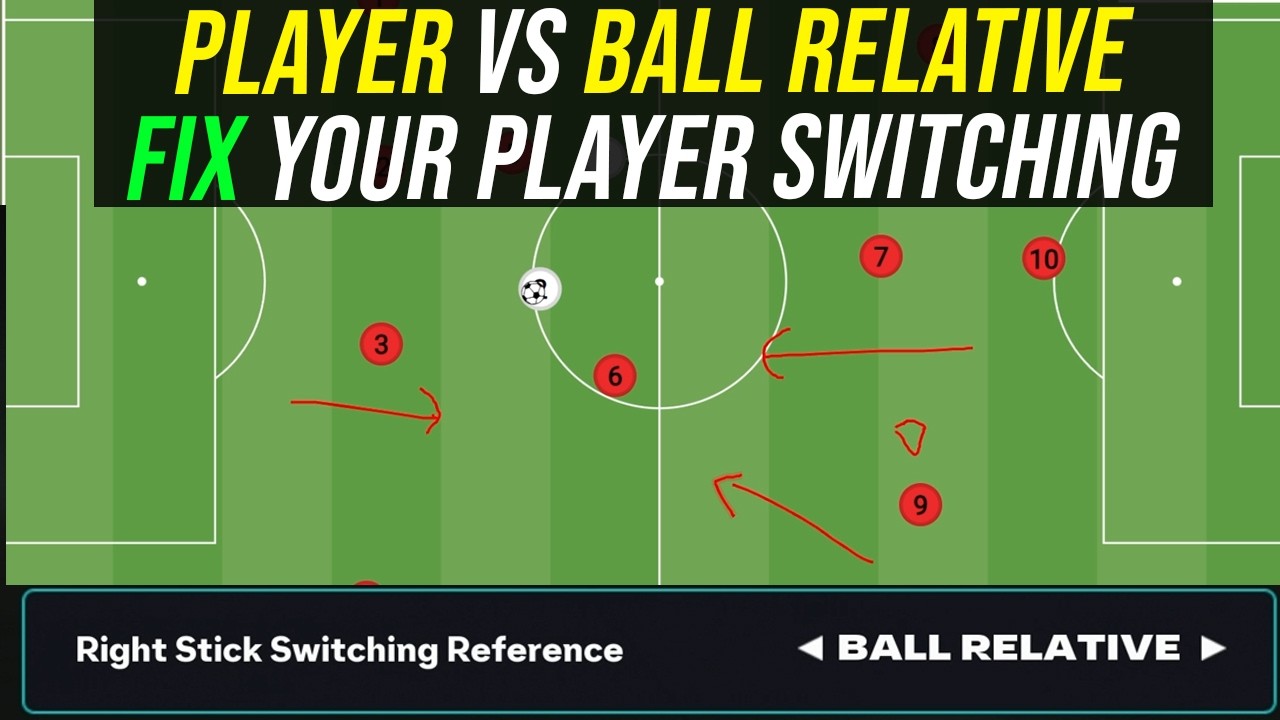
Struggling with defensive control after resetting your setup? Check out our complete FC 27 right stick switching guide to master ball relative switching and stop conceding easy chances.
The Cause: The unwanted ball lob glitch occurs when corrupted local profile cache misinterprets regular ground passes and first touch commands as skill flick inputs.
Match Pauses Will Not Work: Attempting to alter button configurations during an active game fails because the damaged profile remains loaded in temporary memory.
The Reset Process: Resolving the glitch requires restoring game defaults, saving over the corrupted file using the Classic preset, remapping your controls, and saving directly to your master FC profile.
Hardware Restart Is Critical: Shutting down and rebooting your console or PC is necessary to flush residual controller cache from active system storage.

NealGuides
NealGuides is an EA SPORTS FC tutorial creator and gameplay coach with 300,000+ YouTube subscribers. He specialises in breaking down FC gameplay, tactics, mechanics and decision-making for players from beginner through to Elite and competitive level.
Neal is a member of the EA Gameplay Design Council and has taken part in early EA SPORTS FC gameplay testing and feedback, including visits to EA. He remains independent and uses extensive gameplay testing, coaching and analysis to create his FC 27 guides.



FAQ
FC 27 Ball Lob FAQs
Why does my player flick the ball into the air when attempting a pass?
This glitch is caused by corrupted controller cache within your local user profile. The software misreads standard ground passes or first touch inputs as skill moves, causing your player to lob or kick the ball upward involuntarily.
Can I resolve the kick up glitch whilst playing an online match?
No. Adjusting your button layouts inside an active match menu will not clear the corrupted cache from system memory. You must leave the match, carry out the complete controller reset in the main settings, and reboot your hardware for the fix to take effect.
Does resetting to default settings delete my Ultimate Team squad or saved progress?
No. Restoring default settings only resets your local controller preferences and gameplay options. Your Ultimate Team progress, club items, custom tactics, and career mode saves remain completely safe.
Does this ball lob bug happen on all gaming platforms?
Yes. The conflict impacts players on PlayStation 5, Xbox Series X, and PC because the underlying issue relates to how the EA Sports FC 27 software saves custom profile configurations to local storage.
